 cashing
Are mobile surveys worth your time? Work it out
Add the time spent on every attempt and compare it with the points actually credited.
Read articleGames, surveys and offers on your phone. Find activities you enjoy and turn your points into rewards.
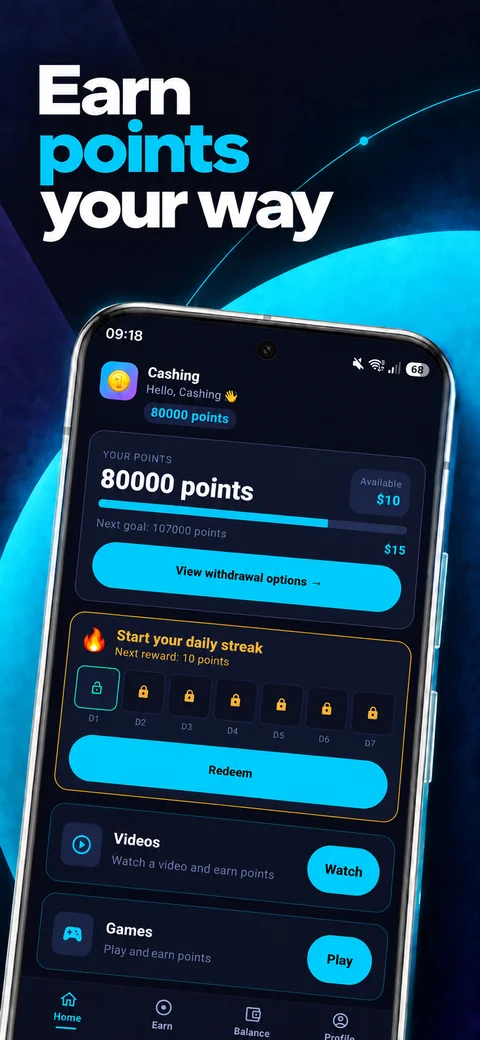
Choose an activity, follow your points and redeem a reward.
Explore games, surveys and partner offers. Pick something that interests you.
Complete a survey or reach game milestones to collect points.
Redeem your points for one of the rewards available in your app.
A PayPal reward or something for your game. Follow your balance and choose from your available options.
Learn about rewards ↗
Request a reward using your PayPal email.
Find the game rewards in Balance.
Presentation screens contain example values.
Add the time spent on every attempt and compare it with the points actually credited.
Read articleFind the milestone, partner record and details that help support locate a missing credit.
Read articleFind the support channel for the platform where you completed an offer and learn when to contact Cashing.
Read articleCashing is available for Android on Google Play. Open the store listing to check compatibility with your device.
The survey partner confirms completion. Game offers divide points between milestones, such as reaching a board. Points enter your balance after the task is verified.
Open Balance and the money rewards category. Choose PayPal and enter the receiving email address.
Availability depends on your profile, country and partners. The activities and rewards shown in your app may change.